


使用 VideoDecoder 解码视频#
本示例演示如何使用 torchcodec.decoders.VideoDecoder 类解码视频。
准备工作#
首先从网络下载一个示例视频,并定义一个绘图工具函数。如果你只关心解码步骤,可直接跳到下方的“创建解码器”。
from typing import Optional
import torch
import httpx

# 视频来源: https://www.pexels.com/video/dog-eating-854132/
# 许可: CC0. 作者: Coverr.
url = "https://videos.pexels.com/video-files/854132/854132-sd_640_360_25fps.mp4"
response = httpx.get(url, headers={"User-Agent": ""})
if response.status_code != 200:
    raise RuntimeError(f"Failed to download video. {response.status_code = }.")

raw_video_bytes = response.content
def plot(frames: torch.Tensor, title: Optional[str] = None):
    try:
        from torchvision.utils import make_grid
        from torchvision.transforms.v2.functional import to_pil_image
        import matplotlib.pyplot as plt
    except ImportError:
        print("Cannot plot, please run `pip install torchvision matplotlib`")
        return

    plt.rcParams["savefig.bbox"] = 'tight'
    fig, ax = plt.subplots()
    ax.imshow(to_pil_image(make_grid(frames)))
    ax.set(xticklabels=[], yticklabels=[], xticks=[], yticks=[])
    if title is not None:
        ax.set_title(title)
    plt.tight_layout()
import matplotlib.pyplot as plt
from matplotlib import font_manager
import os

def _set_chinese_font():
    candidates = [
        "Microsoft YaHei",
        "Microsoft JhengHei",
        "SimHei",
        "SimSun",
        "Noto Sans CJK SC",
        "Noto Sans CJK JP",
        "Source Han Sans SC",
        "PingFang SC",
        "Arial Unicode MS",
    ]
    available = {f.name for f in font_manager.fontManager.ttflist}
    for name in candidates:
        if name in available:
            plt.rcParams['font.family'] = 'sans-serif'
            plt.rcParams['font.sans-serif'] = [name]
            plt.rcParams['axes.unicode_minus'] = False
            return name
    win_fonts = [
        r"C:\Windows\Fonts\msyh.ttc",
        r"C:\Windows\Fonts\simhei.ttf",
        r"C:\Windows\Fonts\simsun.ttc",
    ]
    for path in win_fonts:
        if os.path.exists(path):
            font_manager.fontManager.addfont(path)
            font_name = font_manager.FontProperties(fname=path).get_name()
            plt.rcParams['font.family'] = 'sans-serif'
            plt.rcParams['font.sans-serif'] = [font_name]
            plt.rcParams['axes.unicode_minus'] = False
            return font_name
    print('Warning: 未找到中文字体,可能出现缺字警告。')
    return None

_chinese_font = _set_chinese_font()
if _chinese_font:
    print(f'已使用中文字体: {_chinese_font}')
已使用中文字体: Microsoft YaHei
创建解码器#
我们可以直接从原始(编码)视频字节创建解码器。你也可以使用本地视频文件路径作为输入。
from torchcodec.decoders import VideoDecoder

decoder = VideoDecoder(raw_video_bytes)
视频尚未被真正解码,但我们可以通过 metadata 属性(类型为 torchcodec.decoders.VideoStreamMetadata)读取一些元数据。
print(decoder.metadata)
VideoStreamMetadata:
  duration_seconds_from_header: 13.8
  begin_stream_seconds_from_header: 0.0
  bit_rate: 505790.0
  codec: h264
  stream_index: 0
  begin_stream_seconds_from_content: 0.0
  end_stream_seconds_from_content: 13.8
  width: 640
  height: 360
  num_frames_from_header: 345
  num_frames_from_content: 345
  average_fps_from_header: 25.0
  pixel_aspect_ratio: 1
  duration_seconds: 13.8
  begin_stream_seconds: 0.0
  end_stream_seconds: 13.8
  num_frames: 345
  average_fps: 25.0
通过下标解码帧#
索引解码器即可得到帧的 torch.Tensor:默认返回形状为 N, C, H, W(批大小、通道数、高、宽)。当解码多个帧时才会出现批维 N。可以通过在创建解码器时设置 dimension_order 参数改为 N, H, W, C。帧的 dtype 始终为 torch.uint8。
如果需要一次解码多个帧,推荐使用批量 API(更快):VideoDecoder.get_frames_at、VideoDecoder.get_frames_in_range、VideoDecoder.get_frames_played_at、VideoDecoder.get_frames_played_in_range。
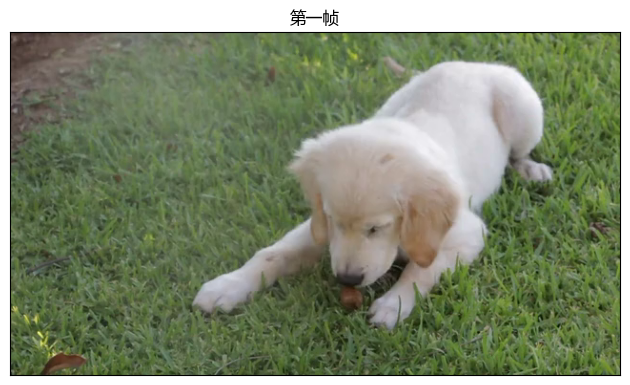
first_frame = decoder[0]
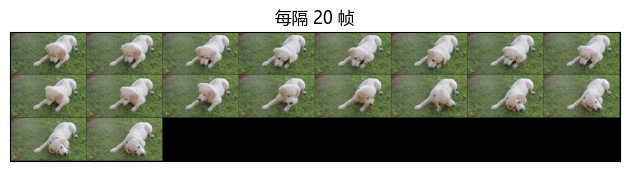
every_twenty_frame = decoder[0:-1:20]

print(f"{first_frame.shape = }")
print(f"{first_frame.dtype = }")
print(f"{every_twenty_frame.shape = }")
print(f"{every_twenty_frame.dtype = }")
first_frame.shape = torch.Size([3, 360, 640])
first_frame.dtype = torch.uint8
every_twenty_frame.shape = torch.Size([18, 3, 360, 640])
every_twenty_frame.dtype = torch.uint8
plot(first_frame, "第一帧")
plot(every_twenty_frame, "每隔 20 帧")
迭代帧#
解码器是一个可迭代对象,可以直接遍历:
for frame in decoder:
    assert (
        isinstance(frame, torch.Tensor)
        and frame.shape == (3, decoder.metadata.height, decoder.metadata.width)
    )
获取帧的 pts 和时长#
索引返回的是纯 torch.Tensor。如果还需要获取帧的展示时间戳(pts)和时长,可使用 VideoDecoder.get_frame_at 与 VideoDecoder.get_frames_at,它们分别返回 torchcodec.Frame 与 torchcodec.FrameBatch。
last_frame = decoder.get_frame_at(len(decoder) - 1)
print(f"{type(last_frame) = }")
print(last_frame)
type(last_frame) = <class 'torchcodec._frame.Frame'>
Frame:
  data (shape): torch.Size([3, 360, 640])
  pts_seconds: 13.76
  duration_seconds: 0.04
other_frames = decoder.get_frames_at([10, 0, 50])
print(f"{type(other_frames) = }")
print(other_frames)
type(other_frames) = <class 'torchcodec._frame.FrameBatch'>
FrameBatch:
  data (shape): torch.Size([3, 3, 360, 640])
  pts_seconds: tensor([0.4000, 0.0000, 2.0000], dtype=torch.float64)
  duration_seconds: tensor([0.0400, 0.0400, 0.0400], dtype=torch.float64)
plot(last_frame.data, "最后一帧")
plot(other_frames.data, "其它帧")
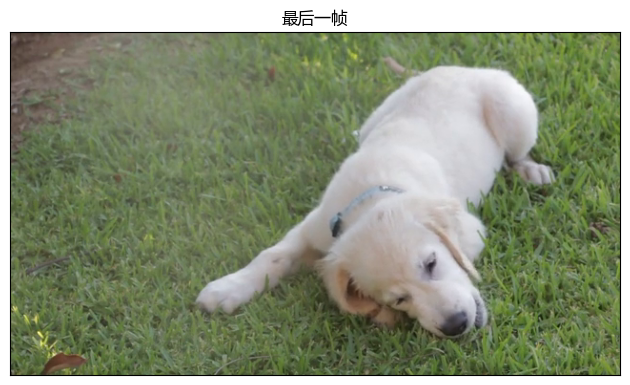
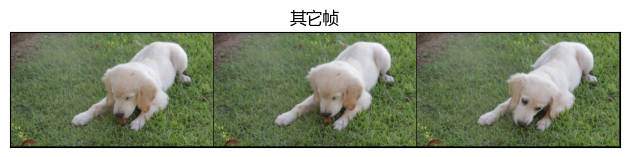
Frame 与 FrameBatch 都包含 data 字段(解码后的张量数据),以及 pts_seconds 和 duration_seconds 字段:对于 Frame 是单个数值;对于 FrameBatch 是一维 torch.Tensor(与批中帧一一对应)。
基于播放时间检索帧#
除了按索引检索之外,还可以根据帧的播放时间检索:VideoDecoder.get_frame_played_at 与 VideoDecoder.get_frames_played_at,同样分别返回 Frame 与 FrameBatch。
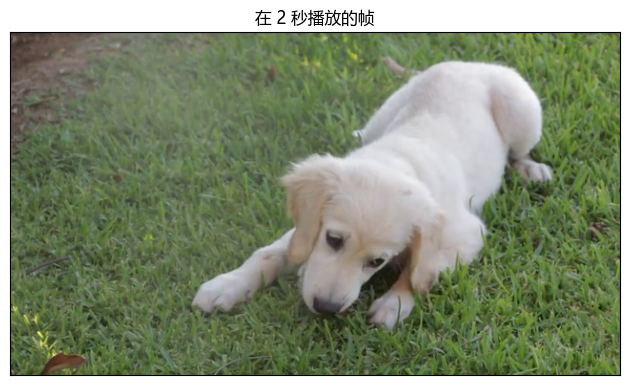
frame_at_2_seconds = decoder.get_frame_played_at(seconds=2)
print(f"{type(frame_at_2_seconds) = }")
print(frame_at_2_seconds)
type(frame_at_2_seconds) = <class 'torchcodec._frame.Frame'>
Frame:
  data (shape): torch.Size([3, 360, 640])
  pts_seconds: 2.0
  duration_seconds: 0.04
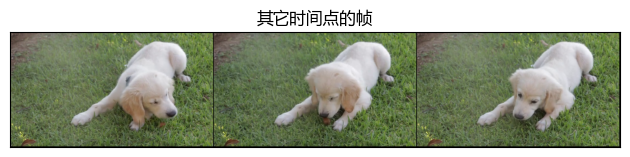
other_frames = decoder.get_frames_played_at(seconds=[10.1, 0.3, 5])
print(f"{type(other_frames) = }")
print(other_frames)
type(other_frames) = <class 'torchcodec._frame.FrameBatch'>
FrameBatch:
  data (shape): torch.Size([3, 3, 360, 640])
  pts_seconds: tensor([10.0800,  0.2800,  5.0000], dtype=torch.float64)
  duration_seconds: tensor([0.0400, 0.0400, 0.0400], dtype=torch.float64)
plot(frame_at_2_seconds.data, "在 2 秒播放的帧")
plot(other_frames.data, "其它时间点的帧")